 Delete
Keep
Hold to dive in
Delete
Keep
Hold to dive in
A calmer camera roll is coming.
Declutter quickly. Keep what matters.
Make quick keep-or-clear decisions with a simple swipe. SwipeLah holds every photo in a reviewable trash queue, so nothing disappears before you confirm it.
Early access for iPhone and Android. One email, no account required.
Safe by designNothing deletes right away
On-deviceClassification runs on your phone
- On-devicePhoto analysis
- In your controlReview before deletion
- Your whole libraryPhotos, Live Photos, and videos
Inside the real app
See every kind of photo in the same focused flow.
These are current SwipeLah captures from a dedicated iOS Simulator, using synthetic demo photos rather than anyone’s personal library.
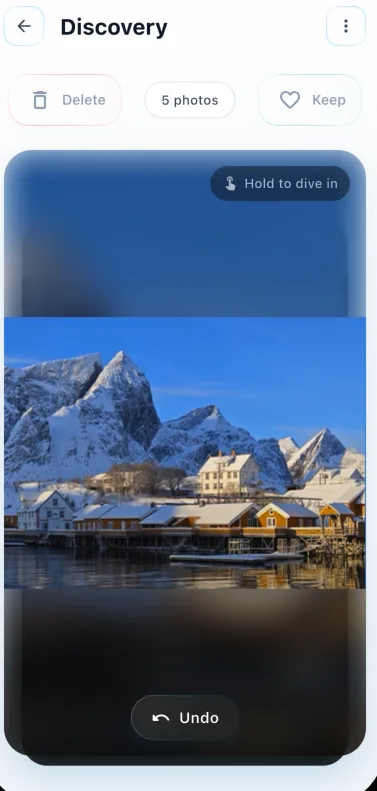
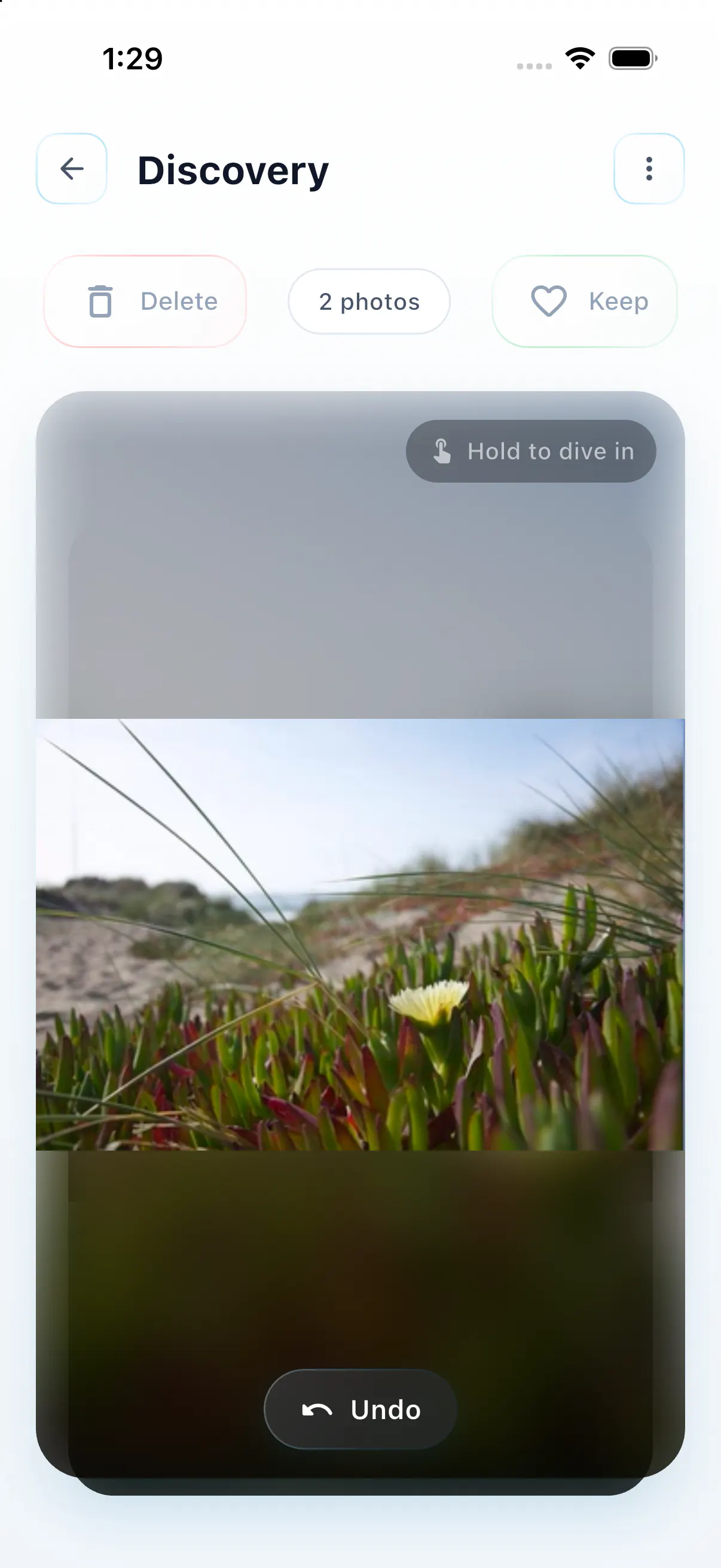
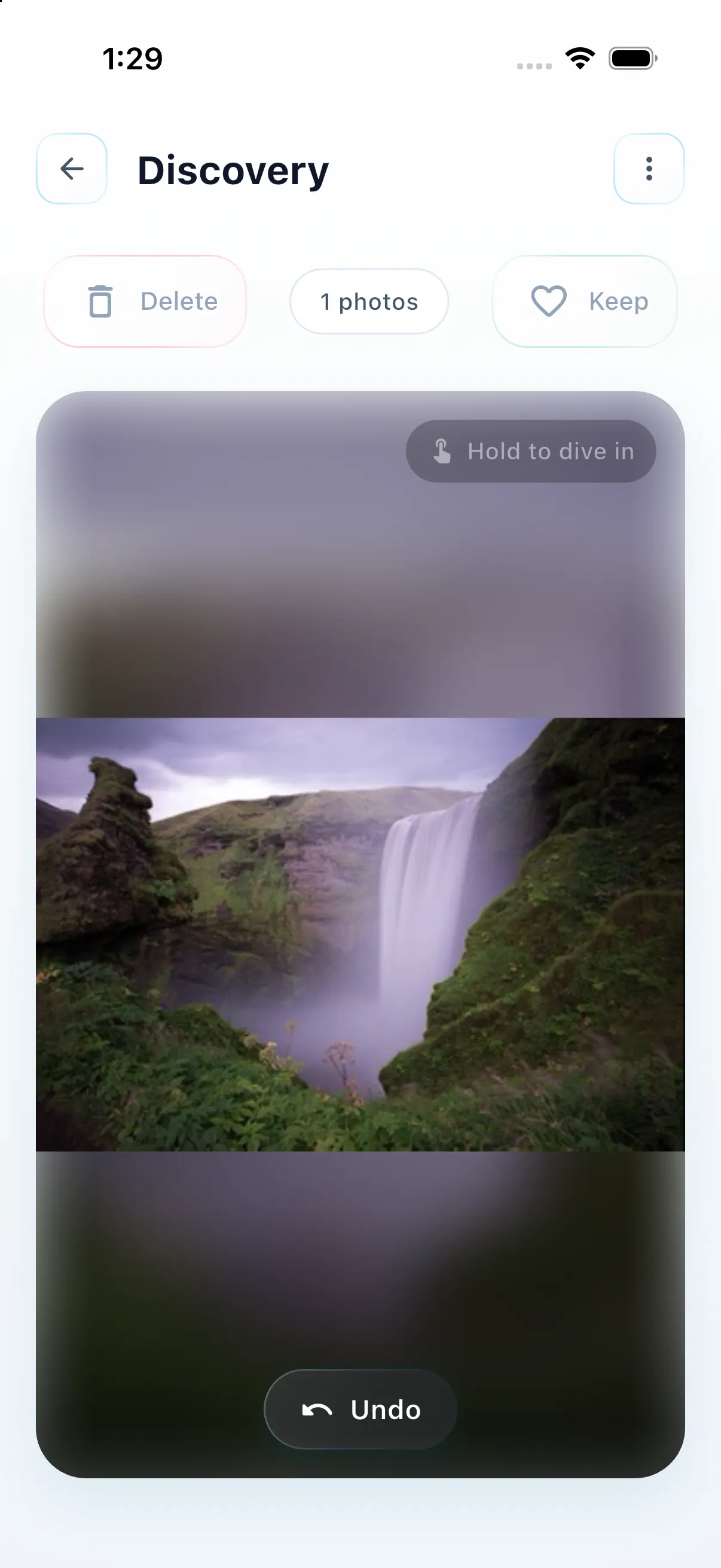
Captured from the current SwipeLah build on iPhone 17 Pro Simulator. Demo imagery was generated for this showcase.
Try SwipeLah here
Swipe the February stack. Watch everything update.
Drag a photo left to clear it or right to keep it. Then save a kept photo as a Memory and open Statistics to see your mock progress change.
5 photos
Delete
Keep
Hold to dive in
February reviewed
Open Memories or Statistics above, or reset the demo to swipe again.
Trash0 photos
Photos queuedTap a photo’s Restore button to keep it.
Trash is empty
Swipe left in Discovery to add a photo to the review queue.
Memories2 memories saved
Keep a photo in Discovery, then save it here as a new Memory.
Statistics
Your impact12
7Cleaned18.4 MBSaved2Memories
Library progress
60%complete
12Completed8Remaining
Quick stats
12Reviewed
5Organized
Monthly activity
Memory details

Classic memoryQuiet morning by the sea
Caption
Quiet morning by the sea
Style: ClassicDate: bottomWatermark: noneRatio: 4:5
Kept something worth revisiting?
A gentler clean-up
From camera-roll chaos to clear decisions.
One small, understandable choice at a time. You decide where to begin and when anything leaves your library.
-
01
Choose your starting point
Open Discovery, pick a month, or jump straight into a Smart Category that needs attention.
-
02
Swipe to keep or clear
Swipe right for what stays and left for what can go. Move quickly without making an irreversible choice.
-
03
Review, then confirm
Look through the trash queue, restore anything you want, and confirm deletion only when you are ready.
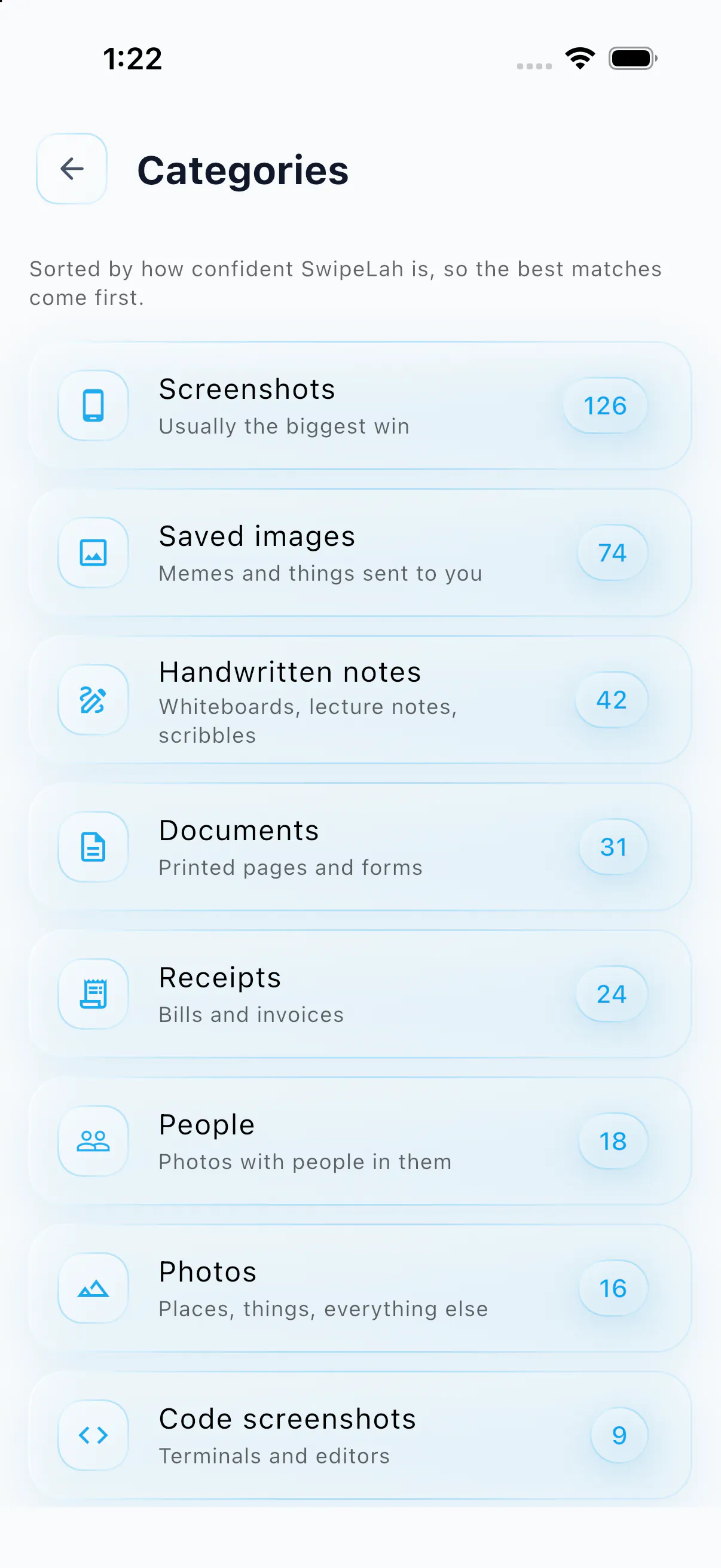
Smart Categories
Find the clutter hiding in plain sight.
Smart Categories groups common camera-roll content so you can focus on the kind of clean-up you want to do. The model is downloaded for the current installation, then classification runs on your phone.
Removing or upgrading the model may require another download.
Beyond the clean-up
Keep the story. See the difference.
Cleaning is only part of the story. Memories gives special photos a new home, while Statistics turns small choices into visible progress.
Memories
Give the photos you keep a place worth revisiting.
Save a favourite as a styled memory card, add a caption, and return to it without searching through the whole camera roll.
Save one in the demoStatistics
Turn a few swipes into progress you can feel.
See photos reviewed, decisions made, memories saved, and estimated space found—month by month.
Update the mock totalsPrivate by where it happens
Your photos stay on your phone during review and classification.
SwipeLah’s photo review and Smart Categories processing happen on-device. Your photos are not uploaded for classification. Some app services still use the network, so our policy explains those separately and precisely.
Read the privacy policy- Photo review
- On your device
- Classification
- On your device
- Deletion
- Only after review
Be first in line
Ready for a calmer camera roll?
Join the early-access waitlist. We will use your email only to hear from you about SwipeLah access.
This opens an email draft. Send it to join the early-access list.
Open an email draft, or copy and email support@gataltech.com directly.